
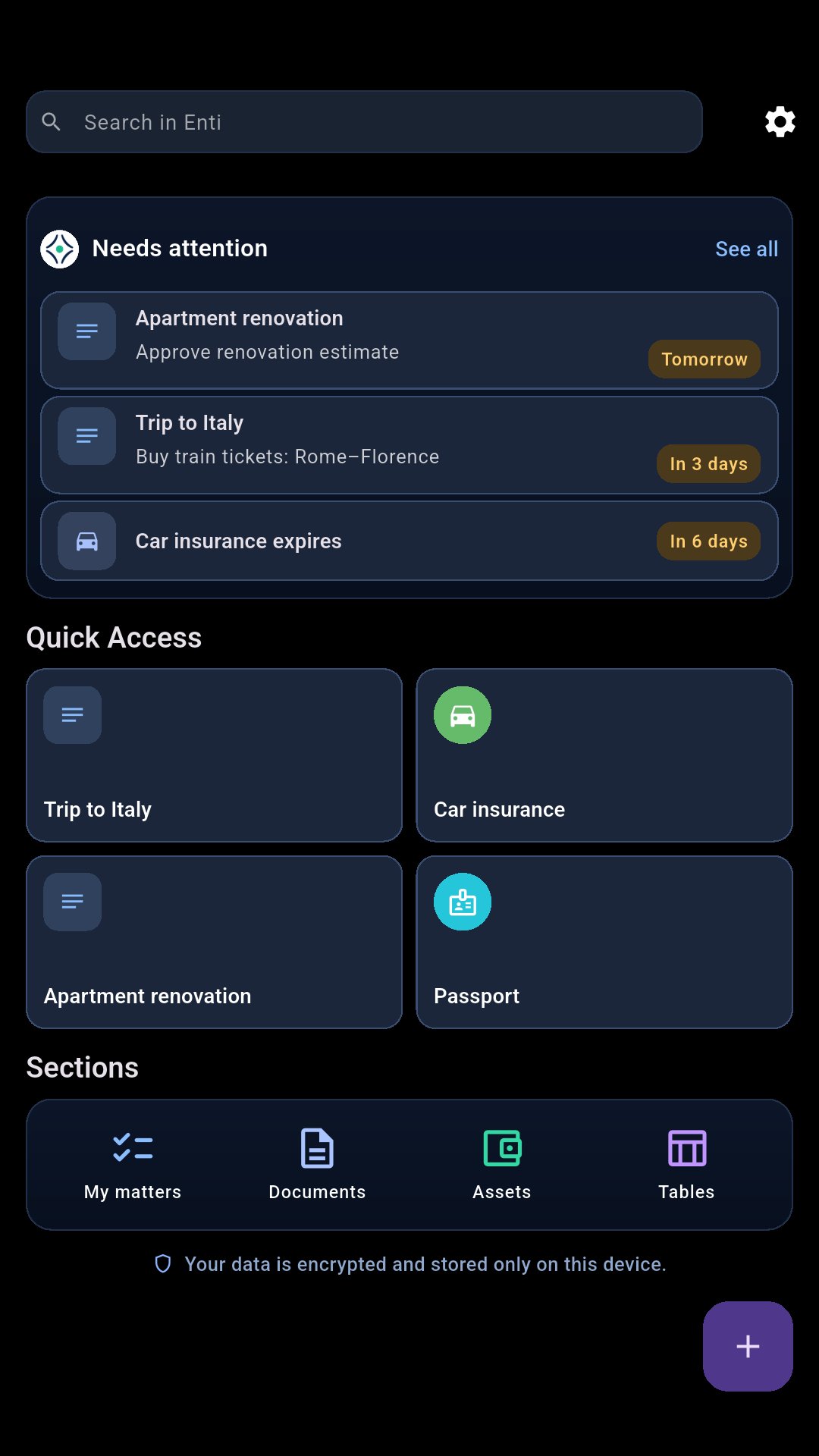
01An example: renovating an apartment
How it works
Renovations can take months. With Enti, you can keep plans, decisions, and useful information connected as the work progresses — and easily return to them later.
Start with your renovation
Create "Apartment Renovation" in My Matters. A name is all you need to get started. Add notes, dates, and links as you go.
Unlike a task with a single deadline, a renovation involves decisions and work that unfold over time.
Gather what you need
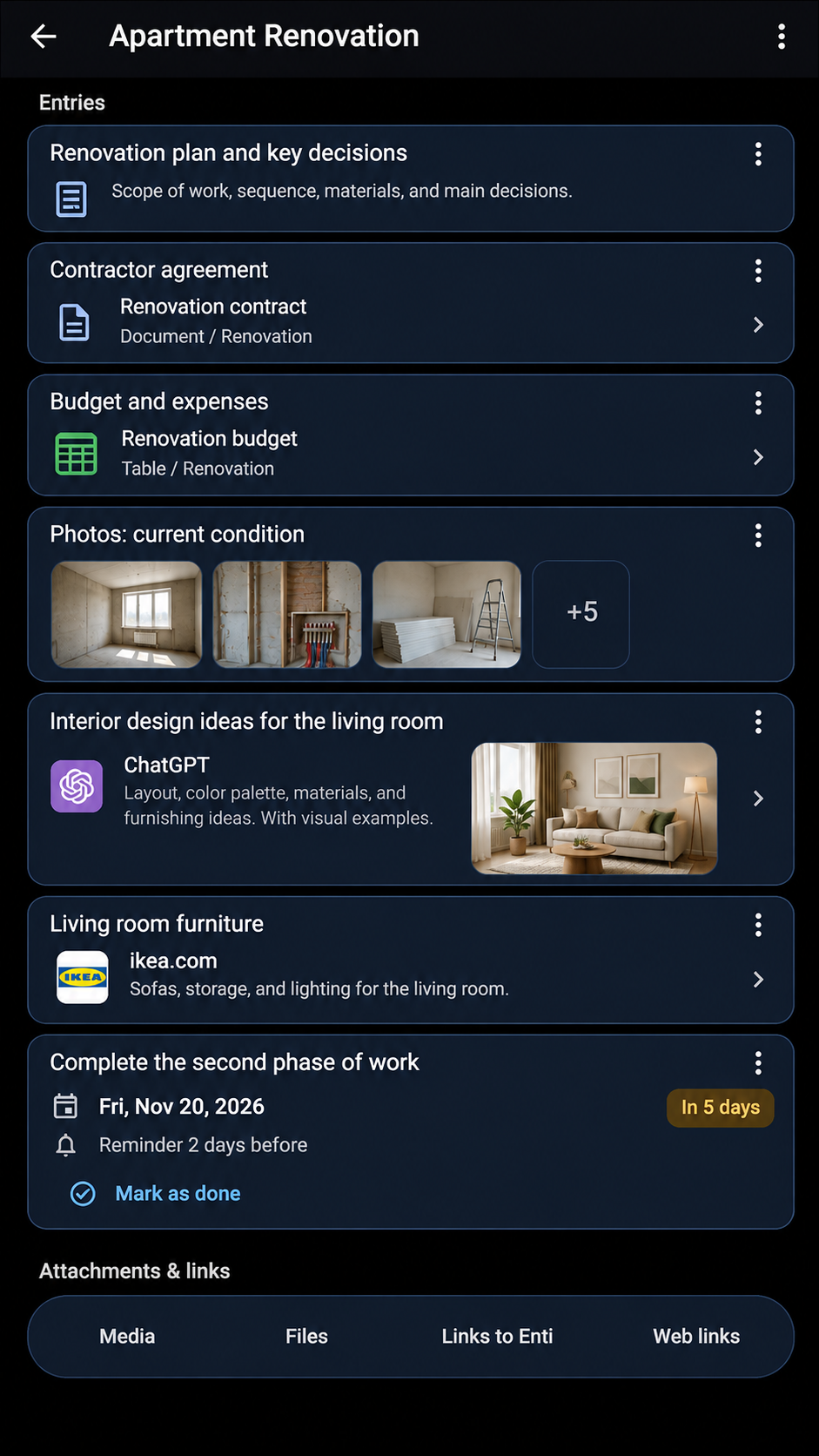
As the renovation moves forward, add notes, photos, and files. Keep contracts and estimates in Documents, track expenses in Tables, and link useful information to your renovation.
Use only what you need, when you need it.
View full screen → Use online services and AI
Look up building materials online, access documents in cloud services, or explore interior design ideas with ChatGPT or another AI assistant.
Keep links to useful web pages and AI conversations alongside your renovation notes. You can also use new web services without waiting for a dedicated Enti integration.
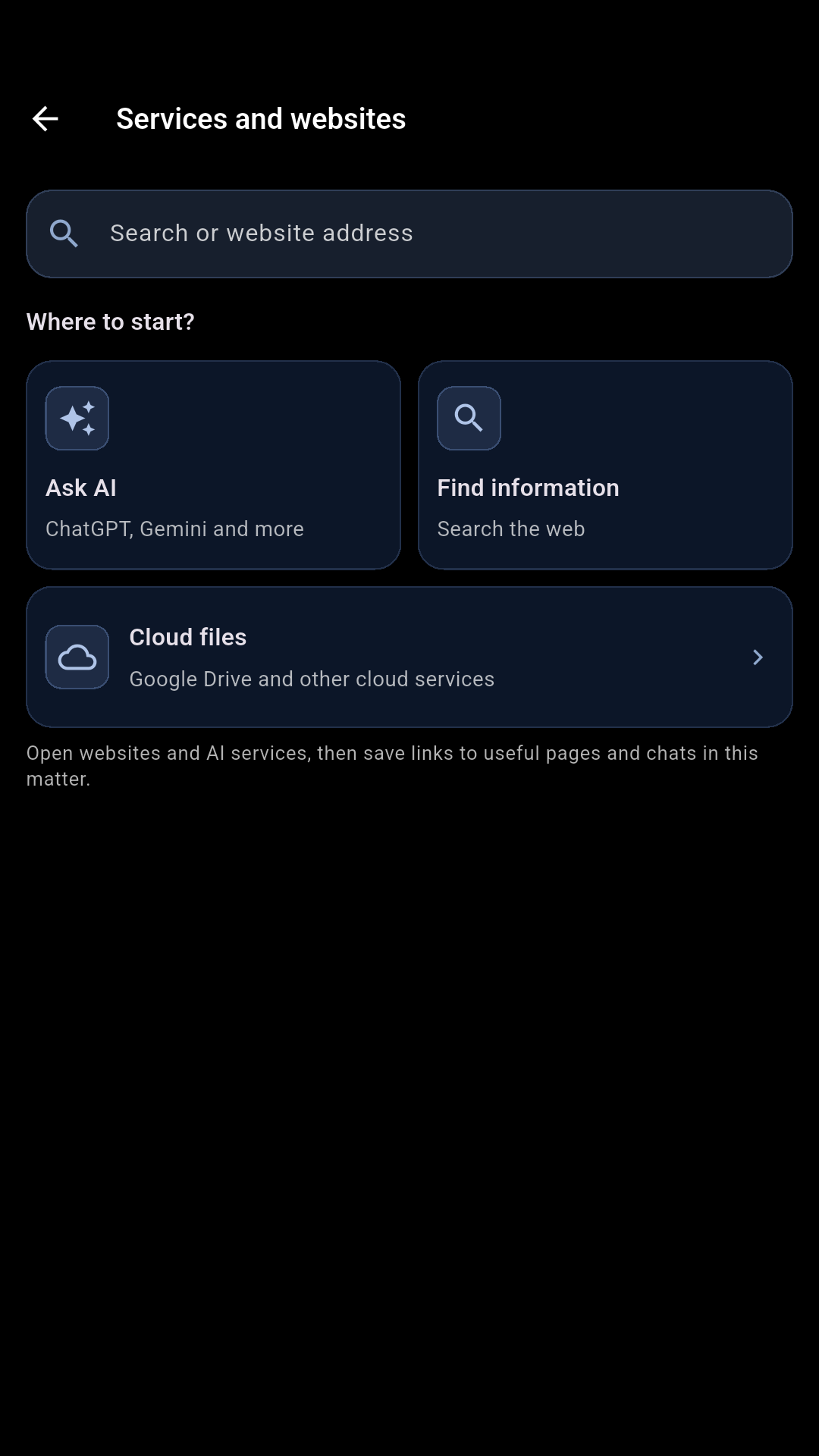
Choose an available service in Enti. View full screen → Pick up where you left off
Come back a week or a month later. Your saved notes, files, links, and important dates help you see what you've done and what's next.
Set reminders for deadlines so important dates don't slip by.
02What you can use
Tools in Enti
Documents, Assets, and Tables also work as standalone sections. Use them independently, or link related information across Enti and to the things you're working on.
My Matters
Organize important things you're working on, with notes, files, dates, and a history you can return to.
Documents
Store files and key details about your documents, and link them to related information.
Assets
Keep track of property, vehicles, devices, and other important possessions, along with related information.
Tables
Create your own tables for expenses, calculations, lists, and anything that doesn't fit a predefined format.
Search and reminders
Find information you've saved in Enti and set reminders for important dates.
Online services and AI
Open web services and keep links to useful pages or AI conversations alongside the work they relate to.
03Data and privacy
Your data stays with you
No registration required. Your personal notes are stored locally in encrypted storage on your device.
Back up and restore. You can back up your data and restore it whenever you need to.
External services. Enti's servers aren't used to store your personal content. When you use third-party services, you choose what information to share.
Get started
Start with what matters to you
Start with something important to you, or save information you'll want to return to later. You can build from there.
Download for Android